Hand over
When every device at the site is installed and reporting, hand the site over to the owner. One transfer moves all the devices at once.
Check before you leave
Confirm each device against this list before you transfer:
- Mounted level on an interior wall, clear of sun, doors and heat
- Screen centre about 1.2 m above the floor
- Anti-tamper screw tightened
- Powered, lead secured, switch covered (DO NOT UNPLUG notice fitted if the socket is reachable)
- Wi-Fi icon showing connected on the device screen
- Device reporting live data in the app
- Named and located correctly
- Photos of the device's location added
A device can take 10 to 15 minutes after connecting before its first data appears. If everything else checks out, that wait is normal.
Transfer to the owner
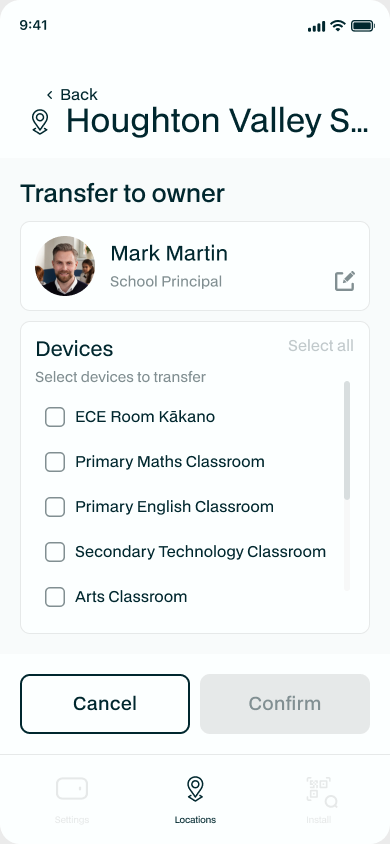
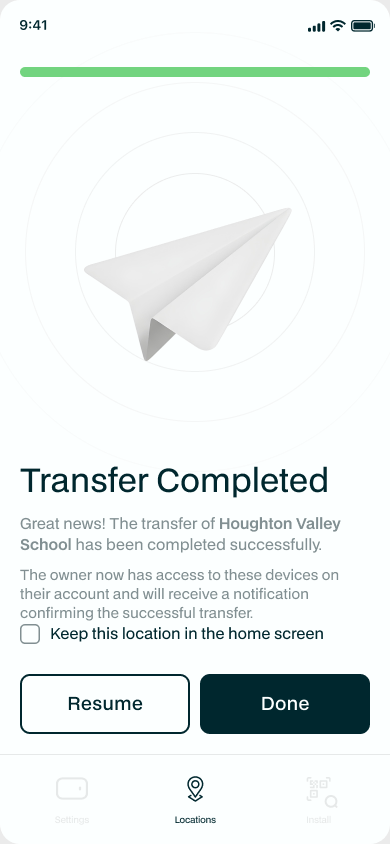
From the site, tap Transfer to owner. Enter the owner's details, choose the devices (or Select all), and confirm. Ownership of every selected device moves to the owner, and the app emails them straight away. The devices keep all the settings you gave them and the site's floor plan.
After handover
The owner now manages the devices from their own account, with the site details and floor plan you set up already in place. If a device needs attention later, see Troubleshooting.