Set up the site
The Airsmart Installer app is built around Locations. Before you install any devices, set the site up once. Everything you enter here is shared by every device you install at that site, and it stays with those devices after you hand the site over to the owner.
Sign in
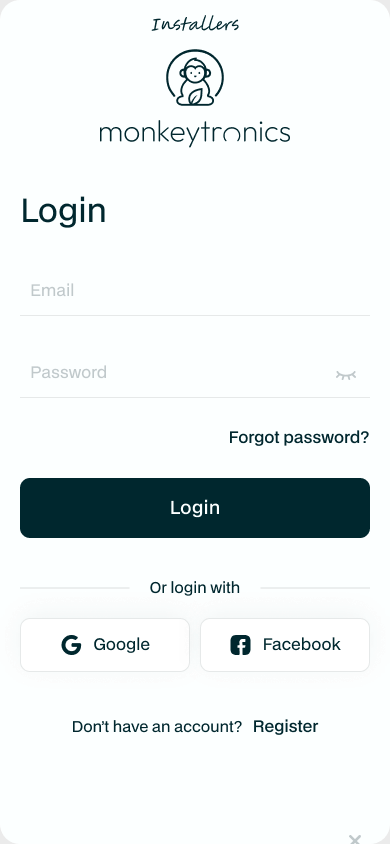
Open the app and sign in with your installer account. Every screen has the same tabs along the bottom: Settings, Locations and Install.
Create the site
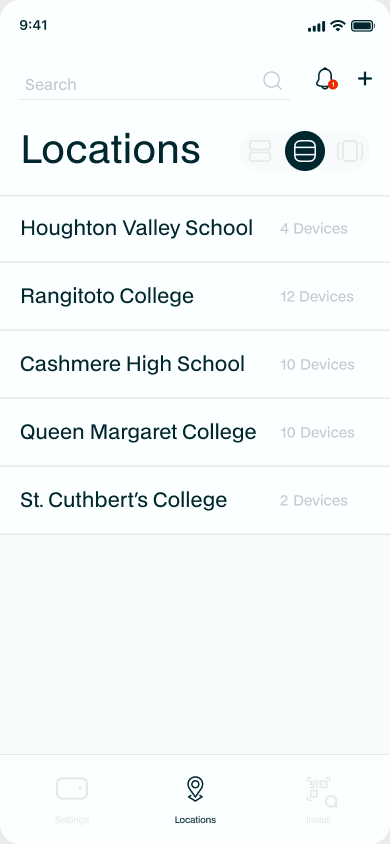
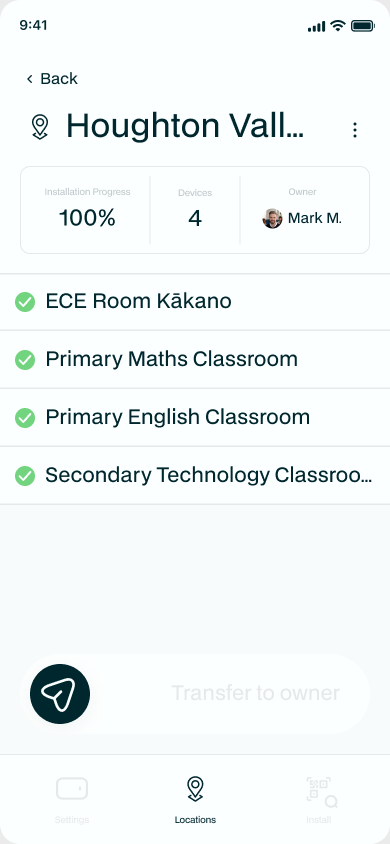
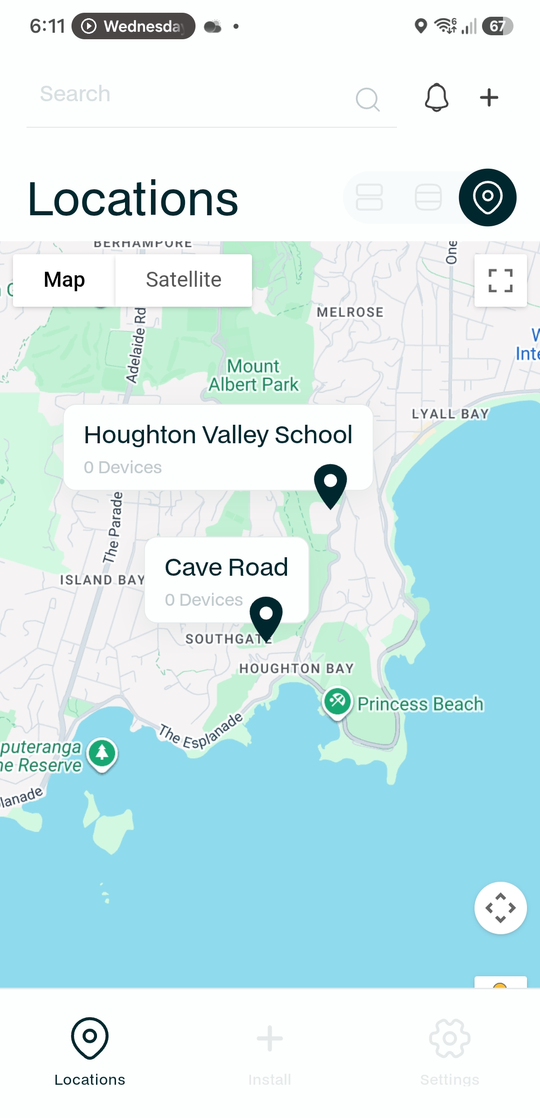
On the Locations tab, add a new Location for the site you are working on: a school, an office or a home. Enter its details once: the name, the type of site, the address, and the Wi-Fi network name it will use. The app adapts the fields to the type of site. You can view your sites as a list, as cards, or on a map.
Add the floor plan
Add a floor-plan photo to the site. Take or choose a photo of the site's floor plan and it is saved on the Location. This one floor plan is shared by every device you install at the site, so you add it once, not per device. It stays with the devices after handover, giving the owner a map of where each monitor is.
Set up once, reused everywhere
Everything on the Location, its type, address, Wi-Fi network name and floor plan, is applied to every device you add at the site. You never re-enter it per device, and because it is stored on each device it stays put when you transfer the site to the owner.
Next: Mount and power the device.